
01
JOBS & SCHEDULING
A plan everyone can follow.
Know who’s going where, with the right plant and a clear site brief. Keep your office and crews working from the same plan.
Explore job managementGROUNDWORKS JOB MANAGEMENT SOFTWARE
The office. The site. The whole job.
Finally, on the same page.
From the first quote to the final job card, GroundDesk connects your teams, paperwork and costs. Built for UK groundworks and civils. Made for real working days.
THURSDAY, 1 OCTOBER
Oak Road, Bristol
Manor Close, Bath
Site updates, ready for your review.
Morning, James
Oak Road, Bristol
Supported drafts saved on this device
The essentials, right there on your phone.
Assigned jobs and access notesPhotos and daily progressTime, materials and job cardsEstimated versus recorded costs, in one view.
Costs depend on submitted time, plant and material records. This is an example, not a savings forecast.
Interactive product illustration · fictional example records
LESS CHASING. MORE DOING.
Paper forms, spreadsheets and message threads all tell part of the story. GroundDesk brings the whole job together.
JOBS & SCHEDULING
Know who’s going where, with the right plant and a clear site brief. Keep your office and crews working from the same plan.
Explore job managementDIGITAL JOB CARDS
Photos, notes, materials and daily job cards, attached to the job. Review the day without chasing the group chat.
Explore digital job cardsTIMESHEETS & COSTING
Record time against jobs, approve the week and compare recorded costs with the estimate. Put the paperwork to work.
Explore timesheets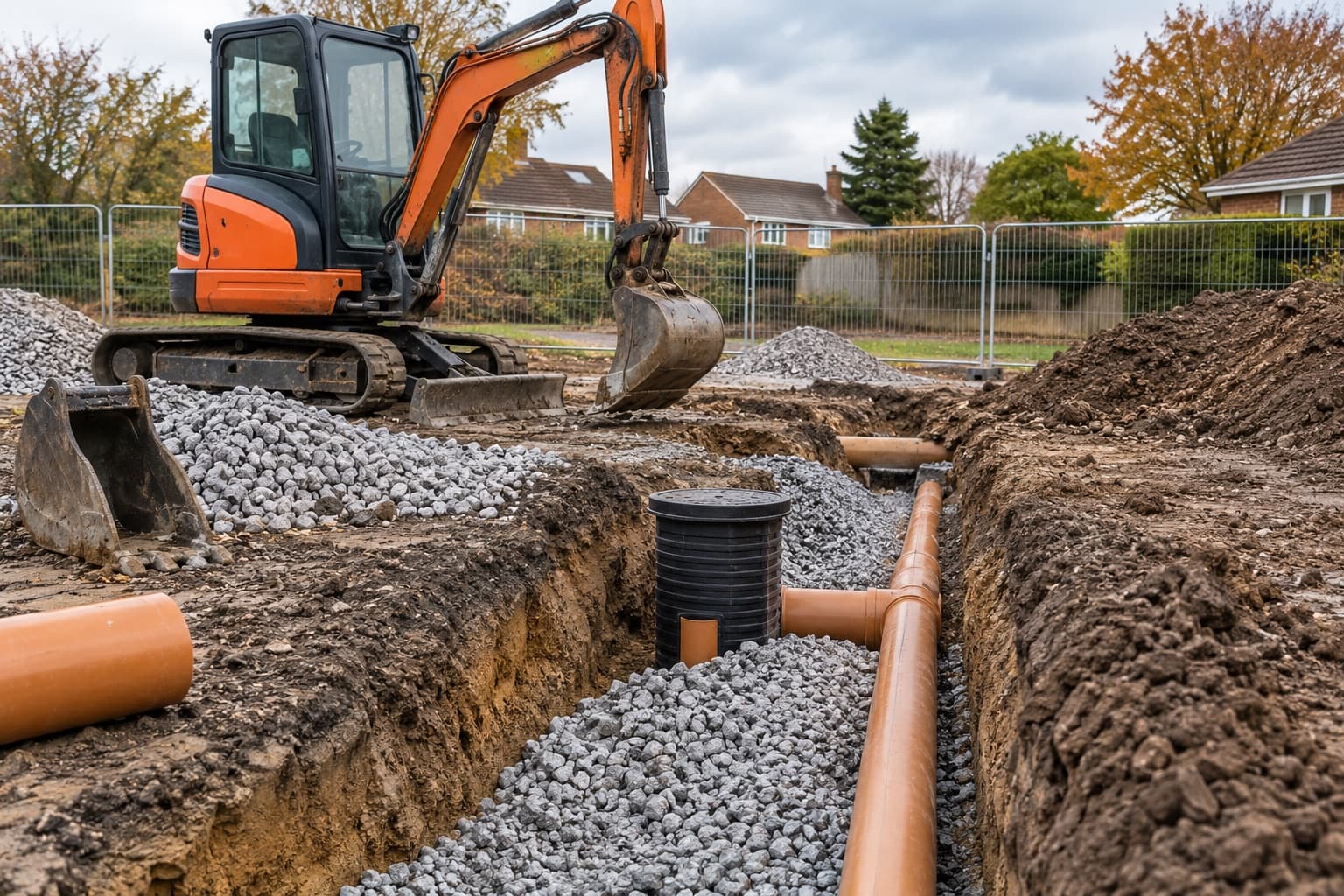
Photos · Progress · Materials · Time
BUILT FOR MUDDY BOOTS
Give the crew what they need, without giving them another admin job. A focused mobile view keeps the brief, progress and end-of-day record close to the work.
FROM FIRST CALL TO FINAL ACCOUNT
Keep information moving forward with the work. Not copied between systems at every stage.
Capture the enquiry. Build the quote. Record the decision.
Schedule people and plant. Share the site brief.
Log time, photos, materials and daily progress.
Review the card, check actual costs and export the job pack.
ONE TEAM. THE RIGHT VIEW.
Different responsibilities.
The same job record.
See job performance and where recorded costs are heading.
Plan the week and review the paperwork that needs attention.
See assigned work and record the day from a phone.
GroundDesk is job management software for groundworks and civils teams. It connects enquiries, quotes, scheduling, digital job cards, timesheets, plant and job costing in one web-based platform.
Owners, office teams, foremen and operatives in groundworks, drainage, civils and landscaping businesses. Each role has a view focused on the work they need to do.
GroundDesk runs in a browser and can be added to a phone's home screen on supported devices. A demo is a good opportunity to check the workflow on the phones your team uses.
Supported field drafts and queued entries can be saved locally. You need a connection to sign in and load jobs, and queued records and photos must sync before the office can see them.
Yes. Recorded labour, plant and materials feed estimated-versus-actual job costing. Daily job cards and job packs can be exported as PDFs, and timesheets and costing have CSV exports.
Request a walkthrough and tell us about your team and current process. We will discuss fit, setup and pricing with you. No public price or self-service subscription is currently advertised.
Let’s get your jobs joined up
Show us how your team works. We’ll walk you through the office and site workflows, and talk about whether GroundDesk is the right fit.
Opens your email app. Prefer to copy the address?
hello@grounddesk.co.uk